SDR CTF: Radio Data System

Requirements:Basic receiver software and a single dongle.
Capabilities:Easily determine what commercial FM broadcast you are receiving, connect basic receiver software to an auxiliary program, add a plugin to SDRSharp.

Radio Data System (RDS) is present is some FM commercial broadcasts. It's what displays the station identification or sound name on your modern car radio. There can be more to it than that though.

Tags: 

SDR CTF: 6M Amateur Band

Requirements:Single Dongle. Basic audio client, windows or Linux.
Capability:Reception of VHF 6-M Ham Band, regional distances, longer when conditions permit.

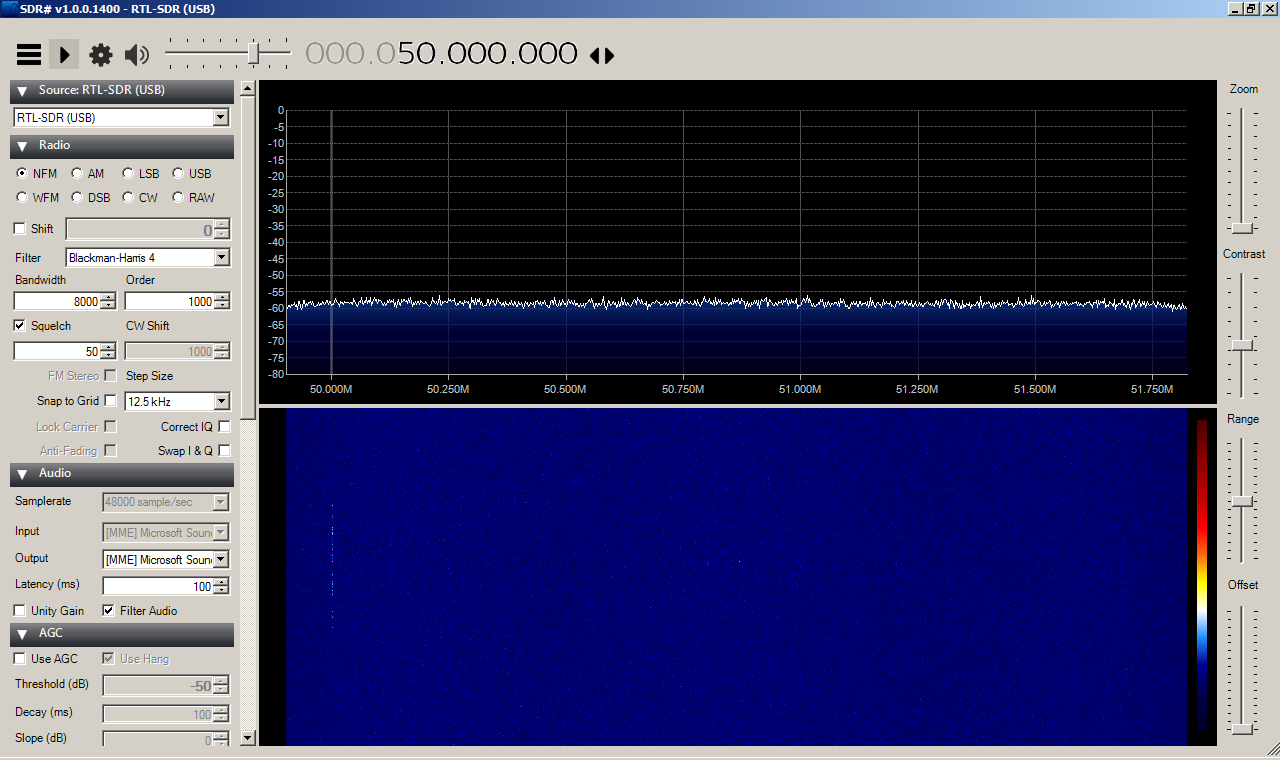
Tune down to the advertised limit of some of the RTL-SDR dongles to the 6-Meter band, 50 to 54 MHz.

I'm using a simple discone antenna which is good of wideband reception but not always ideal for pulling in some signals. When I tune down to 50 MHz I get a disappointing waterfall like this:

Tags: 

SDR CTF: 2M Amateur Repeaters

Requirements: Basic audio client, windows or linux
Capability:Reception of VHF 2-M Ham Band

Between the commercial FM band and the weather band you can find the 2-Meter Amateur Radio band between 144 and 148 MHz. Here you'll find a lot of hand-held and mobile traffic from local amateurs either in simplex or facilitated through a repeater. It may be useful to identify which repeaters are used by your local EMCOMM and Skywarn groups.

Tags: 

SDR CTF: Weather Radio

Requirements: Basic audio client, windows or linux
Capabilities: Reception of VHF for NOAA Weather Reports and Warnings

While your car radio may tune from 87.5 MHz through 108 MHz, those emergency weather radios tune from 162.40 MHz through 162.55 MHz. Your SDR dongle can receive both ranges. You can look-up the frequency for your county here at: http://www.nws.noaa.gov/nwr/coverage/ccov.php?State=OH

Tags: 

SDR CTF: Commercial FM on Linux

Requirements: Linux
Capabilities: Basic reception of RF

Since this is your first step, the goal is to work out the basics of getting the device working with your computer and the installing the software before you begin going after more interesting signals. Here is a simple guide to get you under way, you'll have to scroll down to the Linux section:

http://www.rtl-sdr.com/rtl-sdr-quick-start-guide/

Tags: 

Pages

Subscribe to Disaster Comm Ohio RSS